Bead Pattern Software: What to Look For
By the end of this you will know exactly what to demand from bead pattern software before you commit a project to it — and how to tell a tool that understands seed beads from one that just pixelates your photo and calls it a chart.
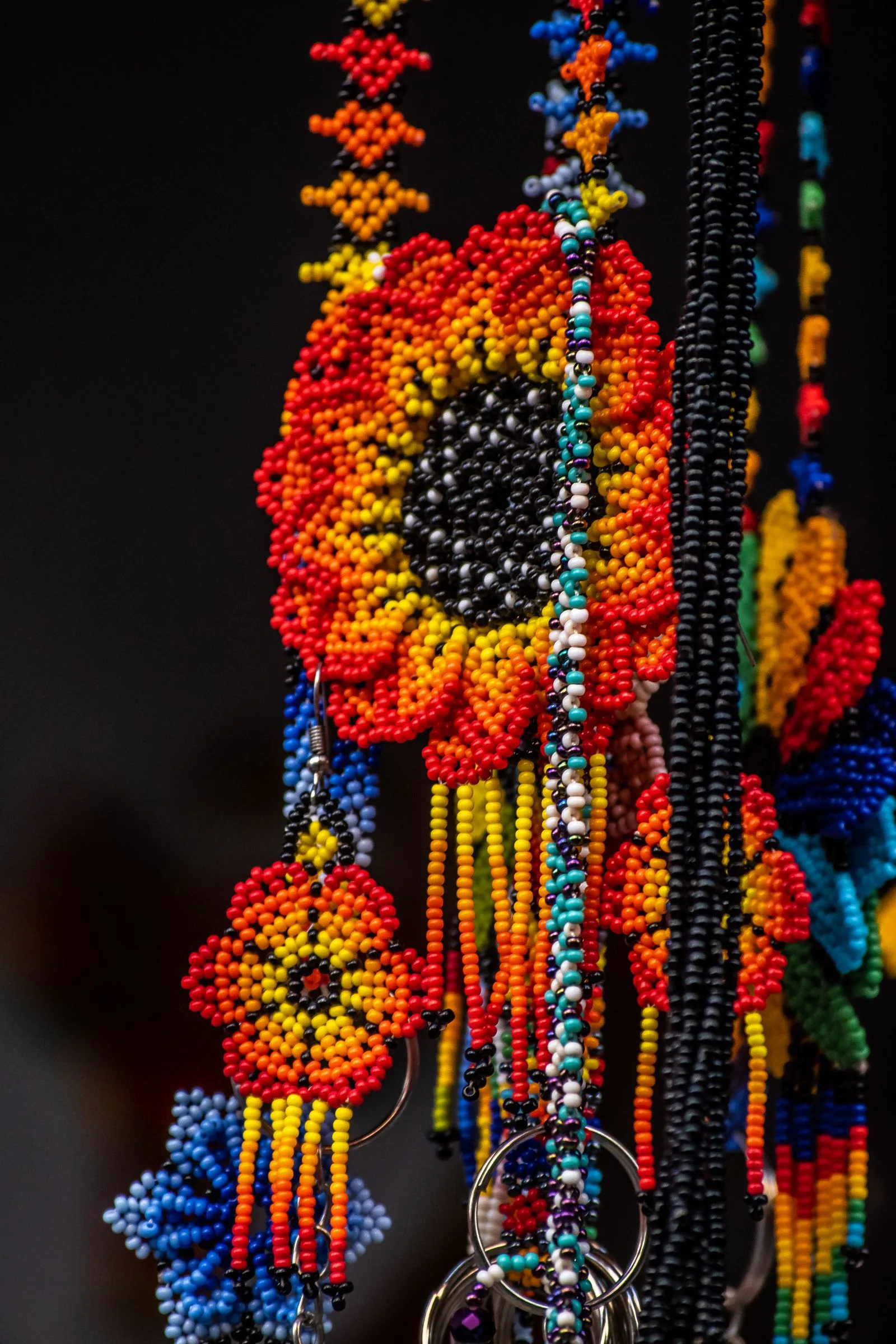
"Bead pattern software" covers a wide range of tools, from a phone app that draws a grid to a full desktop program that converts a photo and matches every color to a real bead. The category also gets called beading software, a bead pattern maker, or seed bead pattern software — same job, different search box. What they share is one core task: deciding which bead sits in every cell of a grid, then handing you a chart you can actually work from.
Most of the frustration people have with these tools comes from picking one that treats beads like square pixels. Seed beads are not square, seed bead charts are not all the same shape, and a bead color is not just an RGB value. This guide walks the features that separate a real bead pattern maker from a generic image-to-grid converter, so you can judge any tool — including ours — on the things that matter at the bead table.
What bead pattern software actually does
Strip away the marketing and every bead pattern tool does some subset of five jobs:
- Charting — a grid you fill in by hand with a pencil, fill, and lettering tools.
- Photo conversion — import an image and turn it into a grid automatically.
- Color matching — map each cell to a real bead product, not just a screen color.
- Stitch modeling — draw the grid correctly for loom, peyote, brick, and other stitches.
- Export — produce a chart, a legend, a word chart, and a bead count you can print or carry.
A basic tool does one or two of these. A serious one does all five and does them with real bead geometry underneath. If you are new to the whole pipeline, our walkthrough on how to make a bead pattern covers the manual version of every step the software automates — worth reading first so you know what the tool is doing on your behalf.
Photo import and edge-aware color reduction
Photo import is the headline feature for most buyers, and it is where cheap tools fall down hardest. Turning a photograph into a bead chart is not "shrink the image and read the pixels." Three things have to happen well.
Palette reduction. A photo has tens of thousands of colors; a workable pattern has six to twelve. Naive reduction throws sixty near-identical blues at a sky and leaves you buying tubes you cannot tell apart. Good software quantizes to a capped palette and keeps the colors that carry the image.
Edge awareness. When you shrink a face to 30 beads wide, a plain average blurs the eyes and mouth into the cheeks. Edge-aware quantization holds the boundaries that make a subject readable instead of smearing them. This is the single biggest quality gap between tools, and it is easiest to judge by testing a portrait — if the eyes survive at low bead counts, the engine is doing real work.
Aspect-ratio correction. This one is non-negotiable for seed beads and almost every generic converter gets it wrong. A Miyuki Delica 11/0 measures about 1.6 mm wide and 1.3 mm tall — it is wider than it is tall, roughly a 1.23:1 cell. Render a square photo one bead per pixel and the result comes out about 20% wider than tall: a round face becomes a horizontal oval. The correction is to add rows (multiply the row count by about 1.23), not to trim columns. If a tool renders seed beads on a perfectly square grid, it is lying to you about how the finished piece will look.
Quick test for any photo tool: convert a circle or a front-facing portrait. If it comes out visibly wider than tall, the software is not correcting for real bead geometry, and every pattern you make with it will be squashed. Our seed bead sizes guide explains where the 1.6 × 1.3 mm figure comes from.
Brand color matching to Miyuki, Toho, and Preciosa
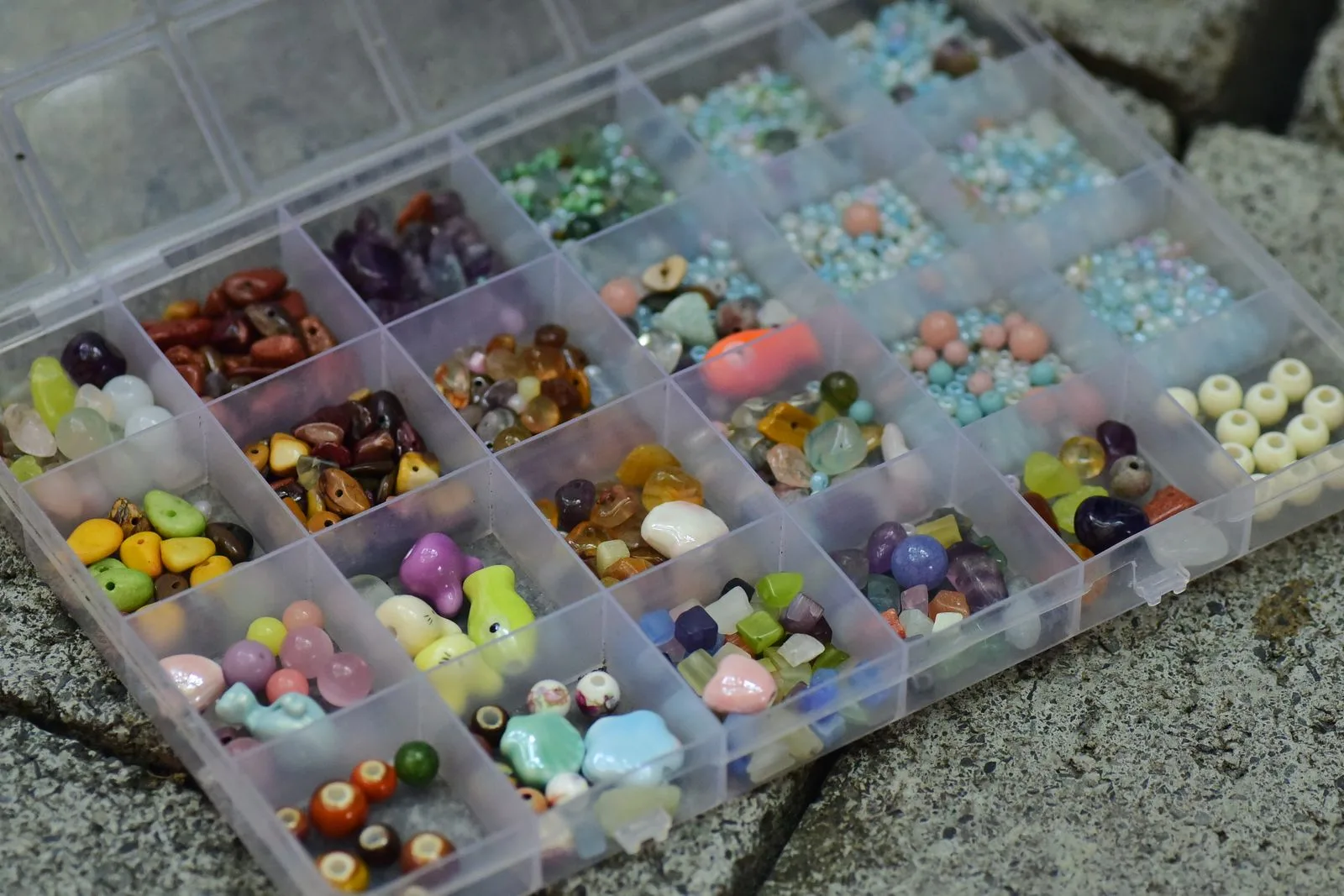
Here is the feature that separates bead software from generic pixel-art tools: it should match each cell to a real bead you can buy, not an RGB hex code. A legend that says "#B4472A" is useless at the shop. A legend that says DB-2106 (a Miyuki Delica) or a Toho or Preciosa code is a shopping list.
The mechanism is nearest-color matching in a perceptual color space: the tool holds a catalog of real bead SKUs with measured colors and, for each cell, picks the closest available bead. The quality depends on two things — how accurate the catalog colors are, and whether the matching runs in a perceptual space (so "closest" means closest to the eye, not closest in raw RGB).
What to check before you trust a tool's color matching:
- Real catalogs, current codes. Miyuki Delicas use
DBcodes, Toho rounds and Treasures use their own numbering, Preciosa has its own system. The tool should name the actual product, not "warm red." - Multiple brands. If you stash Miyuki, Toho, and Preciosa, the software should match against all three — or let you pick which catalog to constrain to.
- Finish awareness. Two beads with the same color code can look completely different depending on finish. Matte, AB, and galvanized change the apparent color, so a good catalog keeps them as distinct entries.
Brands are not interchangeable on size or palette, and that affects your match quality. If you are choosing which brand to build around, our comparisons of Miyuki vs Toho vs Preciosa (seed beads) and Perler vs Hama vs Artkal (fuse beads) break down where each one wins.
Stitch support: loom, peyote, brick — plus fuse and perler pegboards
The grid is not one shape. The stitch you plan to work decides the chart the software must draw, and a tool that only offers a square grid quietly limits you to loom and brick.
| Stitch | Chart shape | What the software must handle |
|---|---|---|
| Loom | Square grid | Warp columns line up; negative space is trivial (leave warps unbeaded) |
| Brick | Square chart | Offset is in construction, not the chart you color |
| Peyote | Offset (staggered) grid | Alternate columns drop half a bead; even-count vs odd-count |
| Fuse / perler | Square pegboard | One pixel to one round peg; board-size tiling |
Two details reveal whether a tool actually models the stitch or just relabels the same grid:
The peyote offset
Peyote charts are drawn on a staggered grid where every other column sits half a bead lower. A diagonal line or a sharp point lands differently on a staggered grid than on a square one, so software that hands you a square chart and calls it peyote will shear your motif when you actually stitch it. Real peyote support also distinguishes even-count from odd-count — odd-count lets you center a design on a single column but needs a special turn at one edge.
Negative space
A chart can intentionally leave cells empty — the community term is negative space (also called openwork). How the software should treat it depends on the stitch, and this is where the geometry gets real:
- Loom: trivial. The warp threads still run through the gap, so you just leave those warps unbeaded.
- Peyote and brick: advanced. There is no warp to span an empty cell, so an internal void means working separate strips and bridging them, or joining a separate motif at two or more points. You cannot just "skip a bead" mid-row and carry on.
There is no industry-standard notation for a void in a written chart. Beadify writes it as (N gap) — for example 3A (2 gap) 3A — but treat that as our own convention, not a universal one.
If fuse beads are your thing, the pegboard is square and one pixel maps cleanly to one peg, which is a genuinely different (and simpler) geometry from seed beads. We cover that side in the perler bead pattern maker guide.
Chart export: PDF, word chart, and bead tally
A pattern you cannot follow at the table is not finished, and export is where a lot of free tools stop short. The chart on screen is only half the deliverable. A working pattern needs:
- A print-ready PDF of the colored grid, drawn for the correct stitch, with row numbers and a marked start point so you never lose your place.
- A legend mapping each grid color to a real bead SKU — for example
A = DB-0010 (Black)— so anyone can reorder the exact bead. - A word chart, the row-by-row text version like
R12: 4A 2B 4A, which many beaders follow faster than a grid read bead by bead. - A bead tally — per-color counts, ideally converted to grams (roughly 200 size 11/0 Delicas per gram) with a buffer added — so ordering is a copy-paste job.
Check the export terms before you start a big project. Several tools let you design for free but gate saving or PDF export behind a paid tier, which is fine as long as you know it before you have forty rows invested.
Free, paid, web, or desktop: the landscape
There is no single "best" bead pattern software — the right one depends on your platform and how much you value photo conversion versus hand-charting. The established options fall into clear buckets:
- Web-based, free with a cheap tier. Beadographer runs in the browser with no download, supports loom, peyote, brick, herringbone, and right-angle weave, imports photos, and charges about $14.99/year for saving and PDF exports with bead lists.
- Desktop, one-time license. BeadTool is Windows/Mac software with loom and square, brick, peyote (1–9 drop), tubular peyote, and right-angle weave, image import, and Miyuki/Toho/Preciosa palettes, for a one-time license around $49.95 after a no-limit free trial.
- Mobile app, pay once. Loomerly is an iPhone/iPad app for loom, peyote, and brick that converts photos, uses Miyuki, Toho, and Preciosa beads, exports PDFs with word charts, and sells for a one-time price with no subscription.
Web tools win on "try it right now, on any device." Desktop wins on heavy multi-pattern libraries and offline work. Mobile wins if you design on a tablet on the couch. Match the platform to how you actually work before you weigh features.
How Beadify fits
Beadify is browser-based bead pattern software focused on the photo-to-chart route. You upload an image and it runs edge-aware quantization, corrects the Delica aspect ratio by adding rows, caps the palette, and matches every cell to the nearest real Miyuki Delica, Toho, or Preciosa SKU — so the legend is an orderable shopping list, not a set of hex codes. It charts for loom, peyote, or brick with negative space handled per stitch, and also does fuse/perler pegboards.
Output is a print-ready PDF with the colored chart, a word chart, a bead legend, and per-color counts. It will not replace hand-charting a tiny geometric motif — that is still faster on graph paper — but for anything photographic, or anytime you want exact counts and real SKUs without doing the arithmetic, it removes the tedious parts. You can try it free and hand-edit the result afterward.
Frequently asked questions
Is there free bead pattern software?
Yes. Beadographer runs free in a browser with a paid tier around $14.99/year; BeadTool has a no-time-limit free desktop trial; and Beadify is free to use in the browser and matches every cell to a real bead SKU. Free tiers usually limit saving, export, or color count, so read the export terms before you commit a large project.
Can bead pattern software convert a photo into a pattern?
The good ones import a JPG or PNG, reduce it to a small palette, snap it to a grid, and match each cell to a real bead. The detail that matters is aspect-ratio correction: because a size 11/0 bead is wider than tall, the tool must add rows or your subject comes out about 20% wider than tall. Our guide to turning a photo into a bead pattern covers image prep in depth.
Does bead pattern software match colors to Miyuki Delica?
The better tools map each cell to the nearest real SKU — a Miyuki DB code, a Toho code, or a Preciosa code — instead of a generic color name. Software that only outputs RGB values leaves you guessing the bead, which is where most color drift happens.
What is the difference between bead pattern software and a perler bead pattern maker?
Both snap an image to a grid, but the geometry differs. Perler and other fuse beads sit on a square pegboard, so one pixel maps cleanly to one round peg. Seed beads for loom, peyote, and brick are cylinders that are wider than tall, and peyote charts are offset rather than square, so a tool that treats seed beads like a pegboard will distort the result.
Do I still need to chart by hand?
For small geometric motifs and lettering, hand-charting on stitch-correct graph paper is still faster and gives total control. Software earns its place on photographic subjects and any design with too many cells to chart by hand. Most designers use both — convert to get a starting chart, then hand-edit the problem areas.
Related reading
- How to Make a Bead Pattern (Step by Step) — the manual version of every step software automates.
- How to Turn Any Photo into a Bead Pattern — image prep and the conversion route in detail.
- Miyuki vs Toho vs Preciosa — which brand to build your palette around.
Before you pay for anything, run the same photo through two or three tools and compare the exports. The one that keeps your subject readable, matches to codes you can order, and charts for your actual stitch is the right bead pattern software for you — regardless of which name is on it.
Turn a photo into a color-matched chart with exact bead counts and real SKUs — loom, peyote, brick, or perler.
Try Beadify free →